
Why Hospitality DHCP Design Matters

One of the Most Overlooked Causes of Hotel WiFi Problems
When hotel WiFi keeps disconnecting, most people blame the WiFi itself.
They assume:
- the access points are outdated
- the broadband connection is too slow
- the vendor hardware is failing
- the guest devices are the problem
But in many hospitality environments, the real issue sits deeper inside the network.
One of the most overlooked causes of guest connectivity problems in hotels, serviced apartments, student accommodation and shared living environments is poor DHCP design.
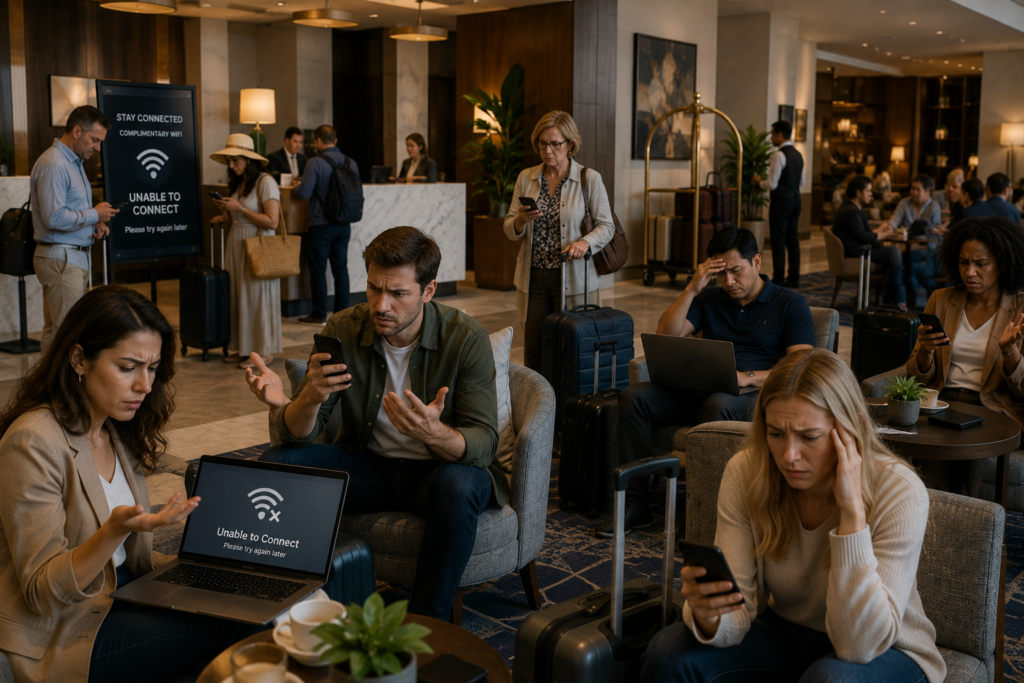
Connected Hospitality regularly encounters environments where:
- The WiFi appears healthy, the signal strength is good, the bandwidth is sufficient and the hardware has recently been upgraded
- Yet that same network has users compalining the are "connected, but no internet", stuck on "obtaining IP address", failing to launch tha captive portal, dropping connection udirng busy times
- In many cases, the underlying issue is not WiFi coverage. It is DHCP exhaustion and poor network design
Dynamic Host Configuration Protocol
What is DHCP and why is it critical to a network?
What Is DHCP?
It is the system responsible for assigning IP addresses to devices when they join a network.
Every device connected to a hotel network requires an IP address:
Phones
Tablets
Laptops
Smart TVs
Streaming devices
Door locks
IPTV systems
POS systems
Staff devices
IoT equipment
Without a valid IP address, the device may connect to WiFi but fail to communicate properly.
To guests, this often appears as:
WiFi connected but unusable
Apps failing to load
Websites timing out
Repeated reconnects
Devices endlessly obtaining IP addresses
Why DHCP Problems Are So Common in Hotels
Hospitality environments behave very differently from offices.
This is one of the biggest mistakes smaller IT providers often overlook.
A standard office network may have:
Predictable users
Fixed devices
Consistent occupancy
Limited guest churn
Hotels are the opposite.
They experience:
Constant guest turnover
Transient devices
Multiple devices per guest
Varying occupancy
Conference and event surges
Temporary visitors
Public area usage
Streaming-heavy traffic patterns
A modern 200-room hotel can easily see 800–1,500 active devices
during peak occupancy.
Yet many smaller hotels still run:
Standard /24 subnets
Small DHCP pools
Long lease durations
Flat network designs
Consumer-grade equipment
This creates problems very quickly.
Why a Standard /24 DHCP Scope Often Fails in Hospitality
This is one of the most common issues Connected Hospitality encounters.
Many independent hotels and boutique properties operate public guest networks using a standard:
192.168.x.x /24 subnet
A /24 network only provides around:
254 usable IP addresses
That may sound like a lot.
But in hospitality environments, it disappears extremely quickly.
Consider:
Two guests per room
Multiple devices per guest
Phones + tablets + laptops
Staff devices
Conference attendees
IPTV devices
Smart TVs
IoT equipment
Transient public users
Suddenly, a hotel can exceed its available DHCP pool long before occupancy reaches capacity.
The result:
Guests connect but cannot browse
Devices fail to receive IP addresses
Captive portals stop loading
Intermittent connectivity issues appear
Complaints spike during busy periods
And critically the problem often appears random.
Common Symptoms of DHCP Exhaustion in Hotels

Staff Report It Works fine
Yet new guests cannot join the network, they cannot browse or access apps, yet staff report no issues
Connected but no Internet
Devices get stuck on "obtaining IP address" or show connected but no internet
Login Failures
Guests know they should access the captive portal, enter details and accept the terms & conditions to browser, however, they cannot get the captive portal to launch.
Conferences Only Make It Worse
The issue gets worse during large events, conferences and group bookings. The staff have no issue still, but a huge amount of new visitors cannot access the network
The Complaints Seem Random
Some users can connect, and some cannot. It seems random, guests who were here earlier in the week and browsing fine, now have issues
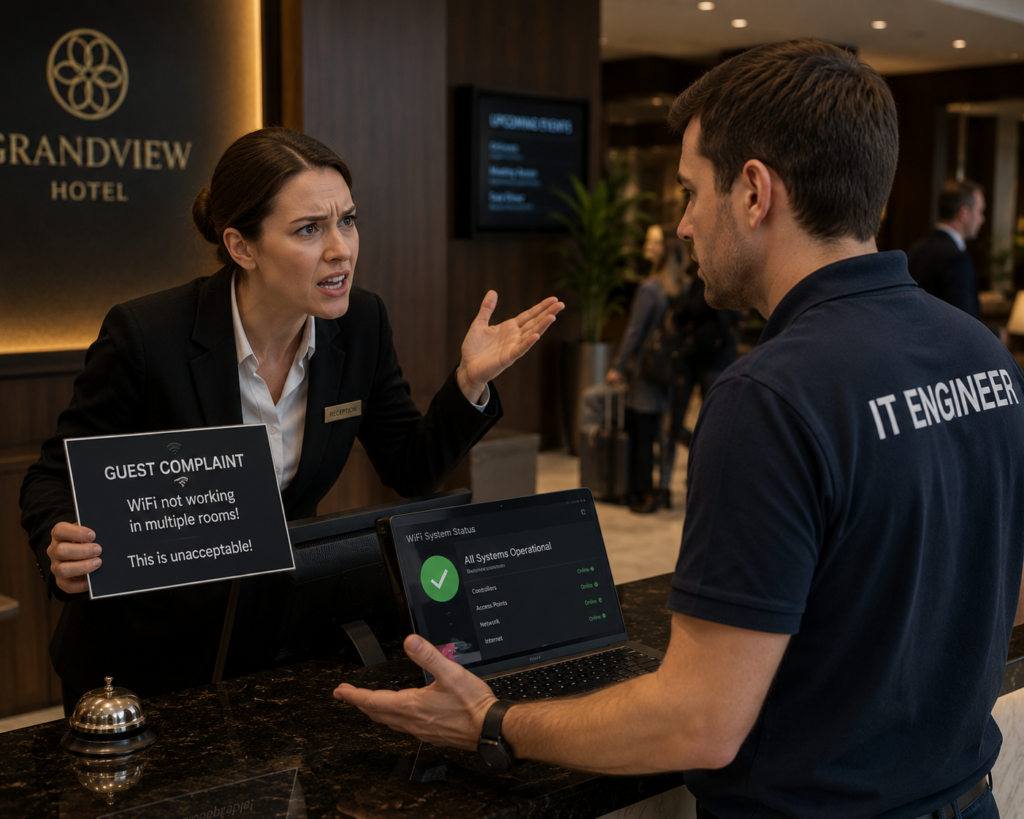
Why Hotels Often Blame the Wrong Thing
- It is extremely common to assume that the access points are overloaded, the chosen vendor is poor, the data line is insufficient or it's a guest device issue
- It seems the solution is to replace access points, add mesh extenders, install even more AP's and increase the dataline bandwidth
- What you really need to do is solve the underlying issue, which is likley to be DHCP scope exhaustion, poor VLAN design, unmanaged switches on the network or over length lease times
- Connected hospitality regularly encounters environments where the WiFi harwdare is actually capable, but the infrastructure around it is not
Legacy Networks & Unmanaged Growth
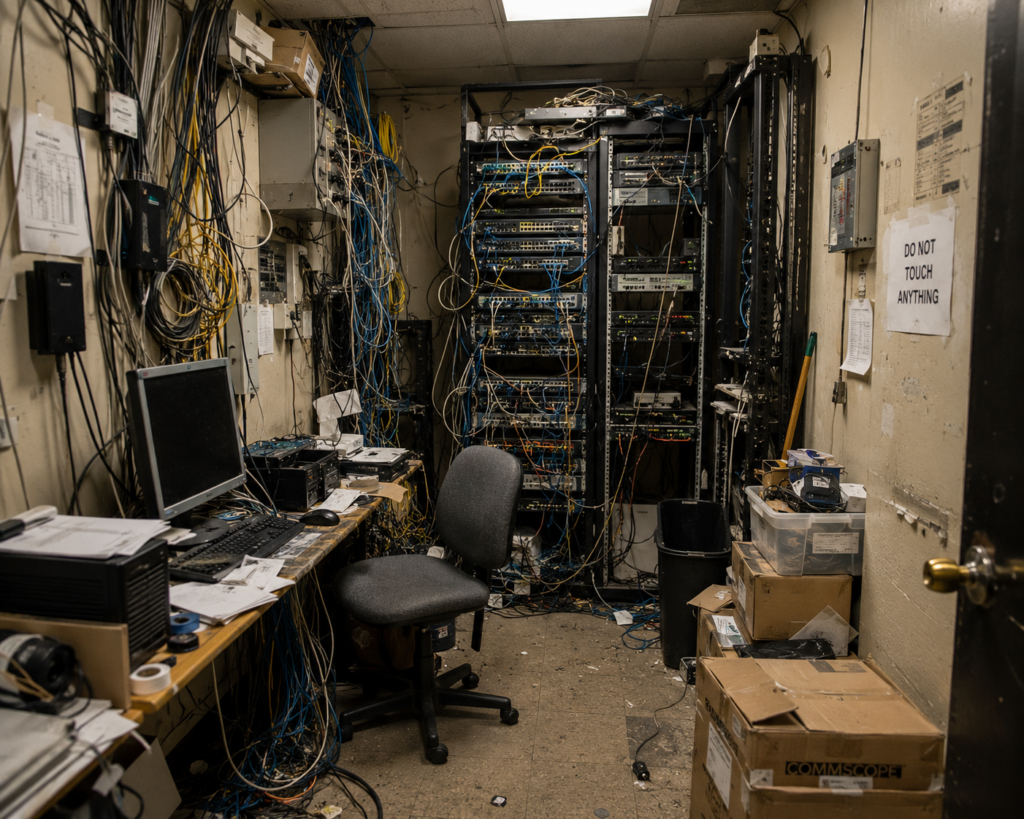
Adding more hardware without a long-term plan
New Access Points, switches, IPTV systems, Smart TV's, Door Locks, IoT Devices and conference tools, all expected to work together without a thought for how that will happen
The Result of No Plan
All of this creates mixed vendors environments, undocumented VLAN's, unmanaged switches, overlapping DHCP scopes, poor segmentation and legacy bottlenecks
Accessible Hardware
Some hardware vendors are easily accessible, which broadens the reach and availability. However, this brings with it a wider capability of 'installer'. It is often the case that the hardware vendors selected is absolutely capable, the issue lies, in design, configuration and operational understanding
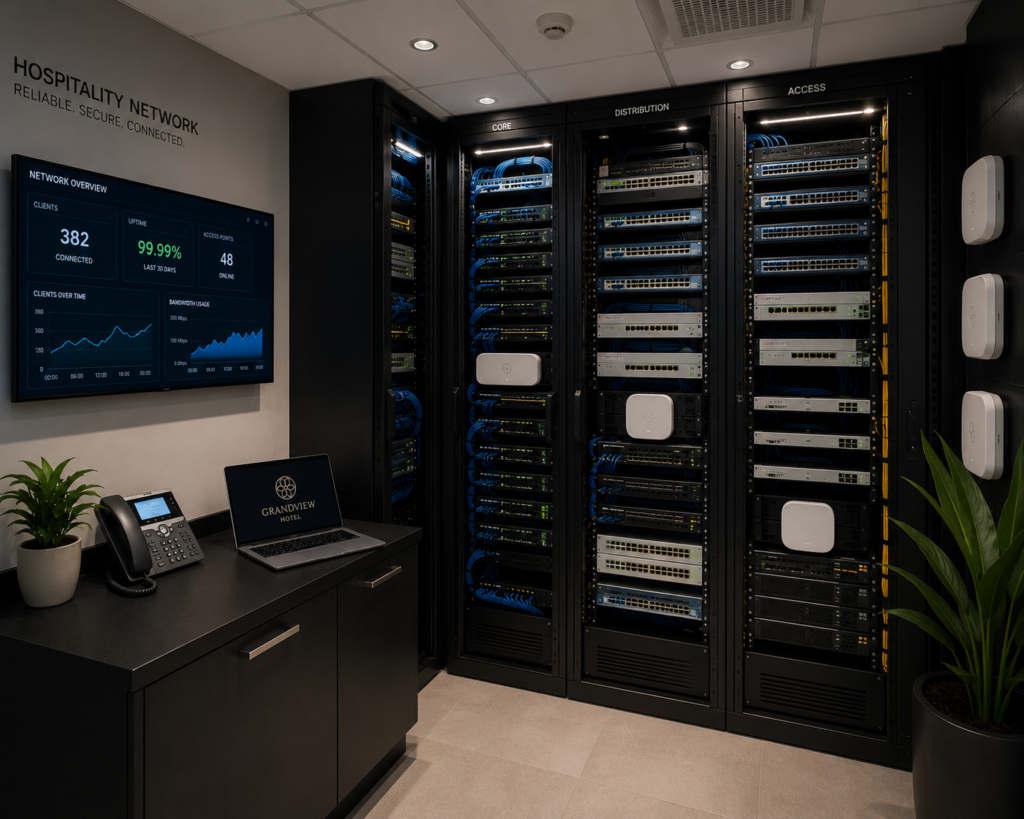
Why Hospitality WiFi Requires Different Network Thinking
Hospitality networks cannot be treated like office networks.
Hotels require infrastructure designed around:
- transient users
- roaming devices
- guest behaviour
- streaming traffic
- public access
- operational systems
- conference surges
- IPTV and casting
- high-density wireless usage
Modern hospitality environments increasingly depend on connectivity for:
- guest satisfaction
- online reviews
- mobile check-in
- IPTV platforms
- AirPlay and Chromecast
- PMS integrations
- staff operations
- VoIP
- smart building systems
When connectivity becomes unstable, the operational impact is immediate.
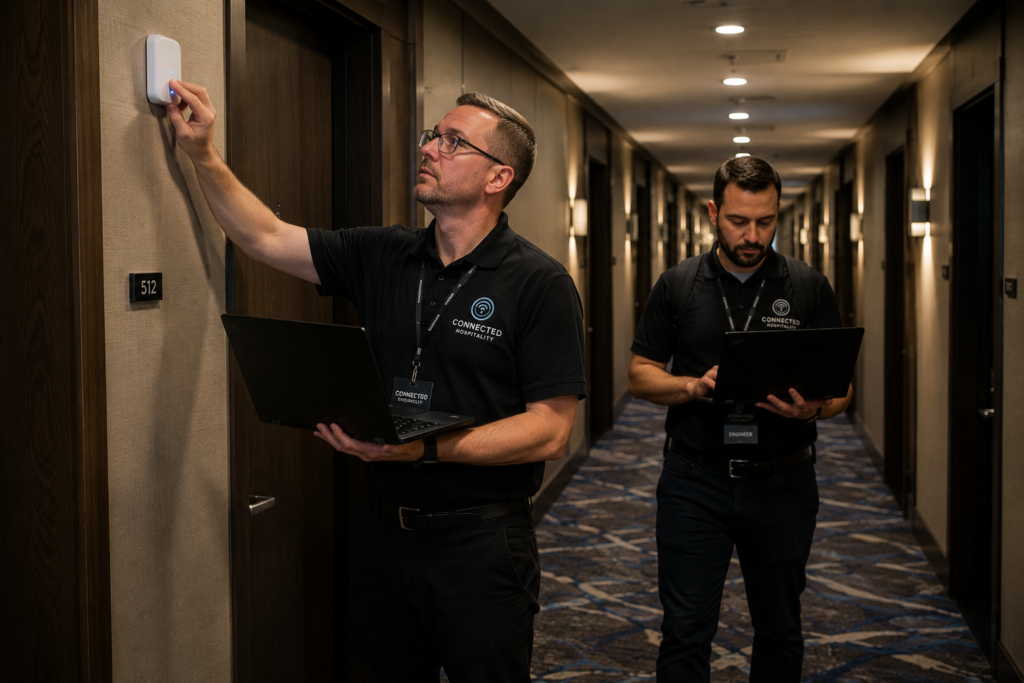
How Connected Hospitality Investigates DHCP and Connectivity Problems
Connected Hospitality approaches guest WiFi complaints diagnostically rather than simply replacing hardware.
Our review process may include:
- DHCP scope analysis
- lease duration review
- VLAN assessment
- wireless heatmapping
- roaming analysis
- switching infrastructure review
- cabinet and uplink assessment
- bandwidth analysis
- guest traffic review
- captive portal testing
- AP density assessment
- floorplan review
Our goal is to identify the real bottleneck, before unnecessary hardware spend occurs.

Common Improvements That Resolve Hospitality DHCP Problems
- Increasing DHCP scope sizes
- Redesigning VLAN architecture
- Reducing lease durations
- Segmenting guest and operational traffic
- List Replacing unmanaged switching
- Redesigning public WiFi zones
- Upgrading uplinks and backbone infrastructure
- Improving roaming behaviour
- Implementing proper monitoring
- Redesigning AP density and placement
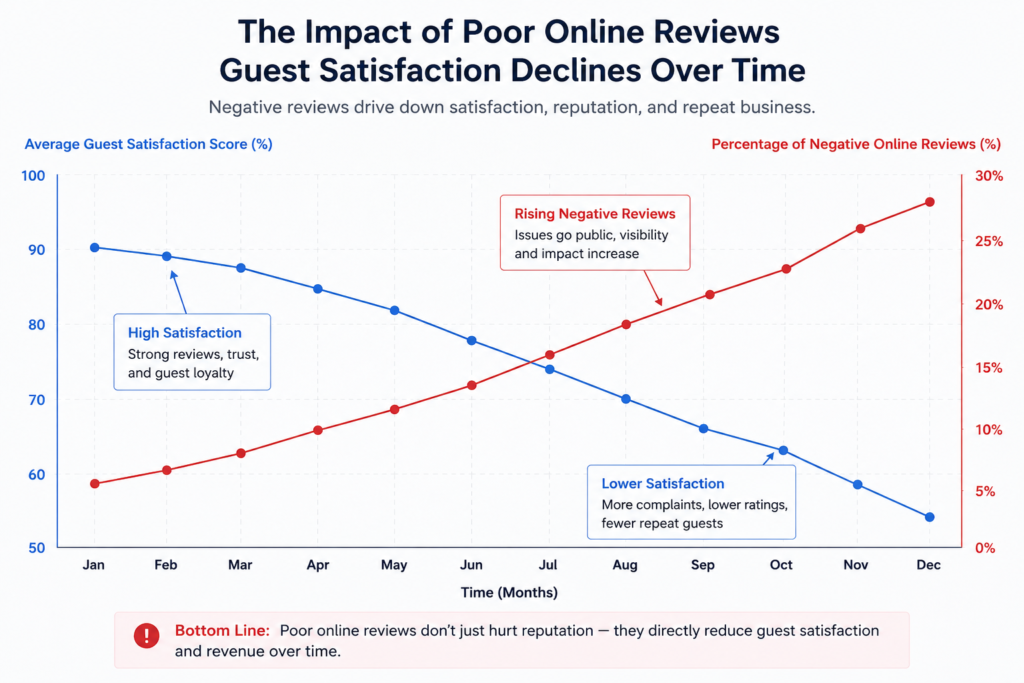
The Business Impact of Poor WiFi Stability
Poor connectivity affects much more than internet access.
Hotels increasingly rely on stable networking for:
- guest satisfaction
- online reputation
- conference revenue
- IPTV and streaming
- operational continuity
- mobile working
- PMS connectivity
- staff productivity
- smart building systems
Guests now expect hospitality WiFi to behave like home broadband.
When it fails:
- complaints reach reception quickly
- reviews suffer
- support overhead increases
- confidence in the property decreases
- FAQ's
Frequently Asked Questions
What causes hotel WiFi to say “connected but no internet”?
This is often caused by DHCP exhaustion, captive portal issues, gateway problems, VLAN misconfiguration or internet routing issues rather than WiFi coverage itself.
Why do hotel WiFi issues get worse at night?
Peak occupancy periods create far higher device counts and DHCP demand, especially in guest-heavy hospitality environments.
How many IP addresses does a hotel need?
This depends on occupancy, device density, IPTV, IoT and operational systems. Modern hospitality environments often require significantly larger DHCP pools than traditional office networks.
Will adding more access points fix hotel WiFi disconnects?
Not always. If the root cause is DHCP exhaustion, poor VLAN design, switching bottlenecks or bandwidth issues, additional APs alone may not solve the problem.