
Hotel WiFi Keeps Disconnecting? Find the Real Cause
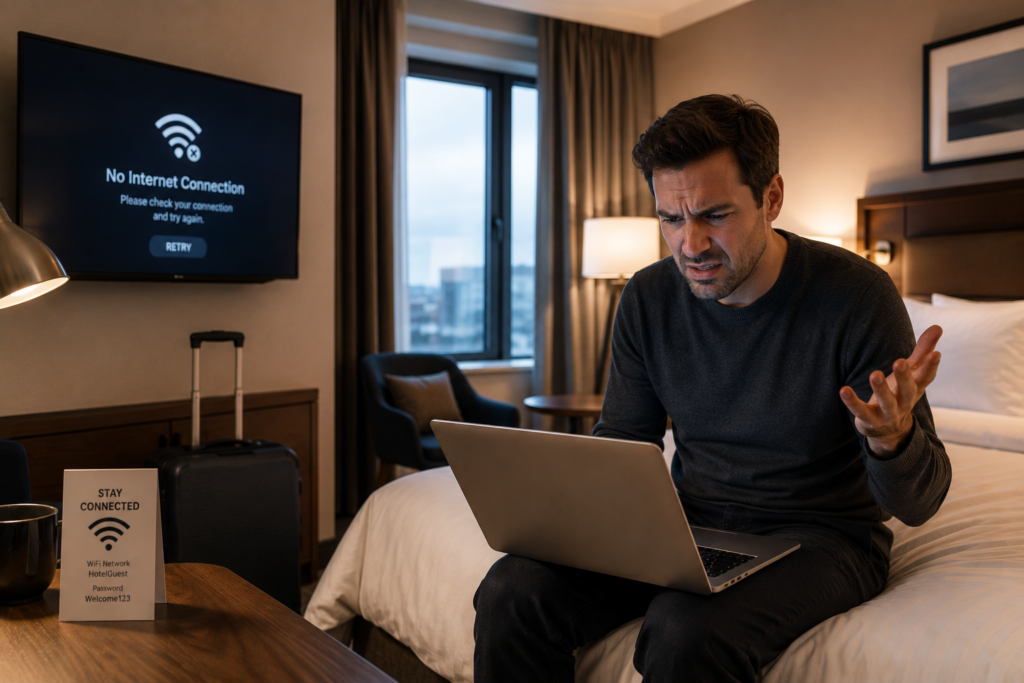
Hotel WiFi Keeps Disconnecting? | Guest WiFi Troubleshooting
Hotel WiFi problems are often caused by poor network design, roaming, DHCP, cabling, bandwidth or infrastructure issues.
When hotel WiFi keeps disconnecting, guests usually blame the WiFi.
But in many hotels, the access points are only one part of the problem.
Dropouts, slow speeds, roaming issues, login problems and “connected but no internet” messages are often caused by deeper infrastructure issues such as poor wireless design, DHCP exhaustion, overloaded switches, weak cabling, poor VLAN segmentation, insufficient bandwidth or legacy network equipment.
Connected Hospitality helps hotels identify the real cause of guest WiFi problems and fix them properly.
We design, audit and optimise hotel networking and WiFi systems for bedrooms, corridors, lobbies, restaurants, meeting rooms, back-of-house areas and outdoor spaces — giving hotels a more reliable, supportable and guest-ready network.

Common Hotel WiFi Problems We Investigate
- Hotel WiFi faults are rarely caused by one single issue. They are usually the result of several small design, configuration or infrastructure problems happening together.
- Common issues include WiFi disconnecting in bedrooms, Slow WiFi during peak occupancy, Guests connected to WiFi but unable to browse, Devices stuck on “obtaining IP address”, Poor roaming between access points, Weak signal in corridors or bedrooms, Strong signal but poor speed, Captive portal login issues, Conference and event WiFi failures, IPTV or casting instability, Staff devices losing connection, POS, PMS, door locks or operational systems becoming unreliable and surprisingly, Guest complaints increasing even after broadband upgrades
- A faster internet circuit alone will not fix most of these problems if the internal hotel network has not been designed correctly
Why Hotel WiFi Keeps Disconnecting
Hospitality and multi-tenant environments behave very differently from traditional office networks. High device density, transient users, streaming traffic, roaming requirements and operational systems all place unique demands on network infrastructure.
Poor Wireless Design
Hotels are difficult wireless environments. Bedrooms, bathrooms, mirrors, fire doors, concrete walls, metal risers, lift shafts and long corridors can all affect signal quality.
A common mistake is designing WiFi based only on coverage rather than capacity and roaming. Guests do not just need to “see” a WiFi signal. They need stable connectivity for:
Streaming
Video calls
Casting
Work VPNs
Cloud apps
Gaming
Multiple mobile devices
Smart hotel services
A professional hotel WiFi design should consider signal strength, interference, access point placement, channel planning, roaming, bandwidth demand and guest density.
Too Many Devices for the Network Design
Modern guests often arrive with several connected devices. A single room may contain:
Two smartphones
Laptops
Tablets
Smart watches
Streaming devices
Casting sessions
Work VPN connections
In hotels, this demand is multiplied across bedrooms, meeting spaces, restaurants and public areas.
If the network was designed years ago, it may not have enough capacity for modern usage.
DHCP Exhaustion
This is one of the most overlooked causes of hotel WiFi disconnections.
DHCP is the system that gives devices an IP address when they join the network.
If the DHCP scope is too small, leases are too long, or the network has not been designed for high guest turnover, devices may connect to WiFi but fail to get a usable address.
To the guest, this looks like:
WiFi keeps spinning
Device says “connected, no internet”
Phone gets stuck obtaining IP address
WiFi works for some guests but not others
Issues get worse at peak occupancy
This is not fixed by installing more access points.
It is fixed by reviewing the network design
Poor Roaming Between Access Points
Hotel guests move constantly.
They walk from bedrooms to lifts, corridors, restaurants, bars, meeting rooms, gyms, spas and outdoor areas.
If roaming is not designed properly, devices may cling to a distant access point instead of moving cleanly to a better one.
This causes:
Calls dropping
Streaming interruptions
Slow speeds despite strong signal
Repeated reconnects
Poor guest experience in corridors and public spaces
Good hotel WiFi design is not just about coverage.
It is about helping devices move cleanly through the building.
Overloaded or Ageing Switching Infrastructure
Many hotels upgrade access points but leave old switches, uplinks and cabinets untouched.
This creates a bottleneck.
The wireless may look modern, but the network behind it cannot support the traffic.
Issues can include:
Overloaded PoE switches
Slow uplinks
Old 100 Mbps ports
Poor fibre backbone
Flat network design
Unmanaged switches hidden in cupboards
Poor cabinet labelling
No monitoring visibility
Before replacing WiFi equipment, the wired network should be reviewed.
Poor Network Segmentation
Hotels usually run many systems across the same infrastructure:
Guest WiFi
Staff WiFi
PMS
POS
IPTV
CCTV
Access control
Door locks
BMS
VoIP
IoT devices
If these systems are not properly segmented, performance and security can suffer.
A well-designed hotel network should keep guest traffic, operational systems and management systems separated while still allowing required integrations to work.
Our Hotel WiFi Troubleshooting Process
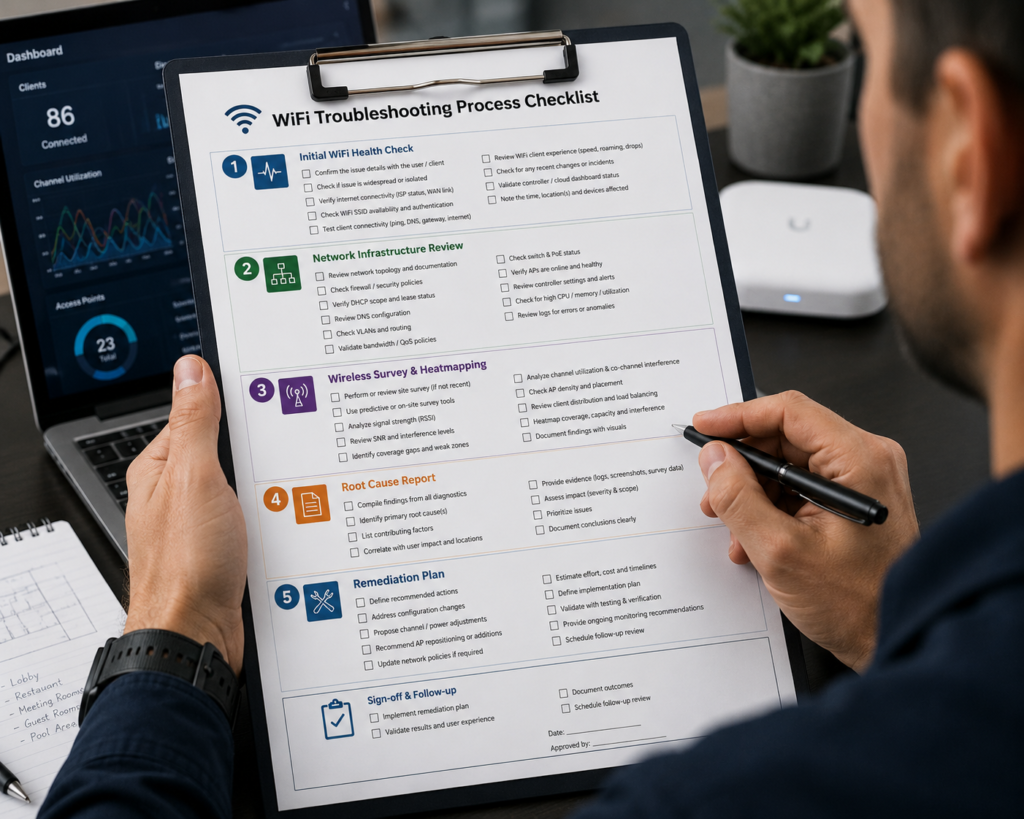
Initial WiFi Health Check
We review the symptoms, affected areas and business impact. This includes where disconnections happen, when problems occur, which devices are affected, whether complaints are room-specific or site-wide, current vendors and equipment, guest feedback patterns and which operational systems are affected
Network Infrastructure Review
We assess the wider network, not just the wireless. This can involves analysing switch capacity, PoE availability, uplink speeds, fibre backbone, cabinet condition, network topology, VLAN design, DHCP configuration, firewall and gateway setup and bandwidth utilisation
Wireless Survey and Heatmapping
Where required, we carry out wireless survey work to assess signal coverage, access point density, interference, channel overlap, roaming behaviour, weak areas, public space coverage, bedroom performance
Root Cause Report
We identify what is actually causing the issue. This may include design gaps, configuration issues, hardware limitations, bandwidth constraints, cabling faults, legacy infrastructure, support and monitoring gaps
Remediation Plan
We provide a practical improvement plan. This may include configuration changes, AP repositioning, additional APs, switch upgrades, VLAN redesign, DHCP changes, fibre backbone improvements, broadband upgrade, guest portal changes, monitoring improvements, full network refresh

Who This Is For
- Hotels who experience guest WiFi complaints and constantly recieve poor online reviews mentioning WiFi
- Branded hotels who are approaching audit in an at risk status
- Hotels with unreliable connectivity or drop outs during periods of high occupancy
- Hotels with old and undocumented network infrastructure
- Hotels with uncertainty of what to upgrade, is it the switches, the cables, the WiFi or the Fibre?
Sectors We Support
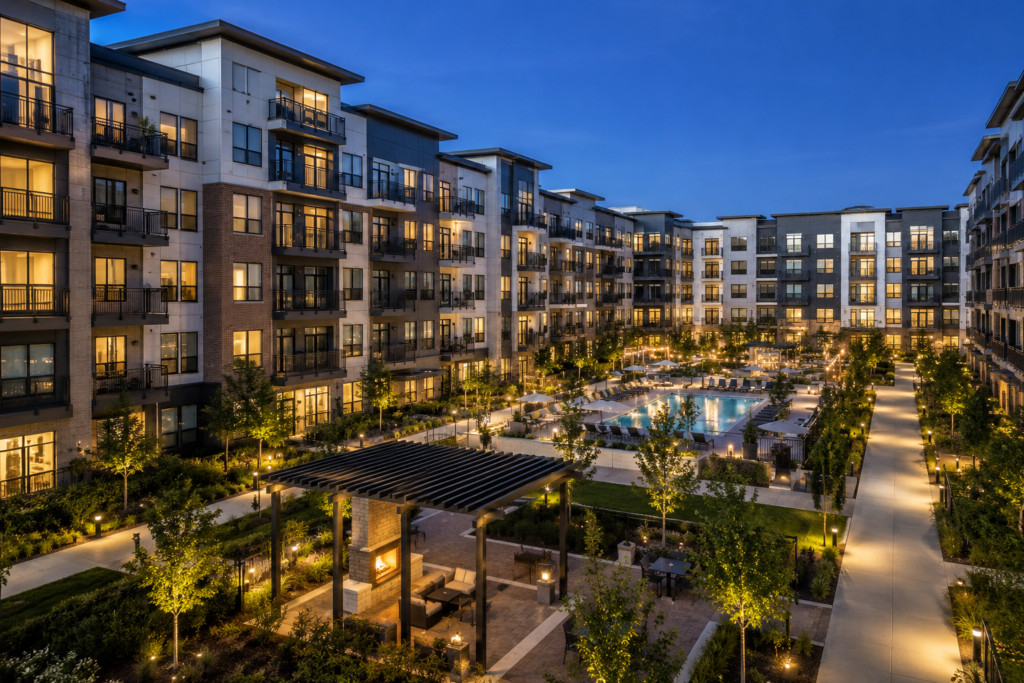
Hotels & Hospitality
Hotels, Resorts, Serviced Apartments, Long-Stay Accommodation, Branded Hospitality
Build to Rent & Multi-Dweilling Units
Apartment Complexes, Build to Rent Developments, Houses of Multiple Occupation, Co-Living Environments, Residential Communities
Student Accommodation
High density networks designs for shared living spaces, roaming residents, operational resilience and multiple devices
Care Homes & Senior Living
Connectivity for Residents, Staff, visitors, monitoring and nurse call systems
Holiday Parks & Leisure Environments
Rock solid coverage for complicated mixed environments for lodges, chalets, caravan parks, holiday homes and leisure facilities
Why Connected Hospitality?
Connected Hospitality combines practical engineering experience with hospitality and multi-tenant operational understanding.
We understand that connectivity problems are rarely isolated technical issues — they directly impact:
- guest experience
- resident satisfaction
- reviews
- operations
- support overhead
- revenue
- brand compliance
We bring together practical experience across hotel networking, WiFi, IPTV, PMS integration, structured cabling, fibre connectivity, telephony, CCTV, access control and wider building technology.
That means we can investigate the whole environment — not just one product.
Our approach is focused on:
- practical engineering
- operational reliability
- long-term scalability
- integration simplicity
- real-world performance
Not just hardware sales.
- FAQ's
Frequently Asked Questions
Why does hotel WiFi keep disconnecting?
Hotel WiFi can disconnect because of poor wireless design, weak coverage, interference, roaming issues, overloaded access points, DHCP exhaustion, old switches, poor cabling, insufficient bandwidth or incorrect network configuration.
Why does hotel WiFi show connected but no internet?
This can happen when the device connects to the wireless network but cannot reach the internet. Common causes include DHCP issues, captive portal problems, firewall configuration, gateway issues, DNS problems or internet circuit failure.
How many access points does a hotel need?
This depends on the building layout, wall construction, room count, guest density, usage expectations and systems running across the network. A floorplan-based assessment or wireless survey is the best way to estimate AP quantity properly.
Do you support hotel WiFi in live operational environments?
Yes. Hotel network changes need careful planning to avoid disruption. We can help phase works around occupancy, operational constraints and guest-impact windows.