Meeting Spaces That Just Work
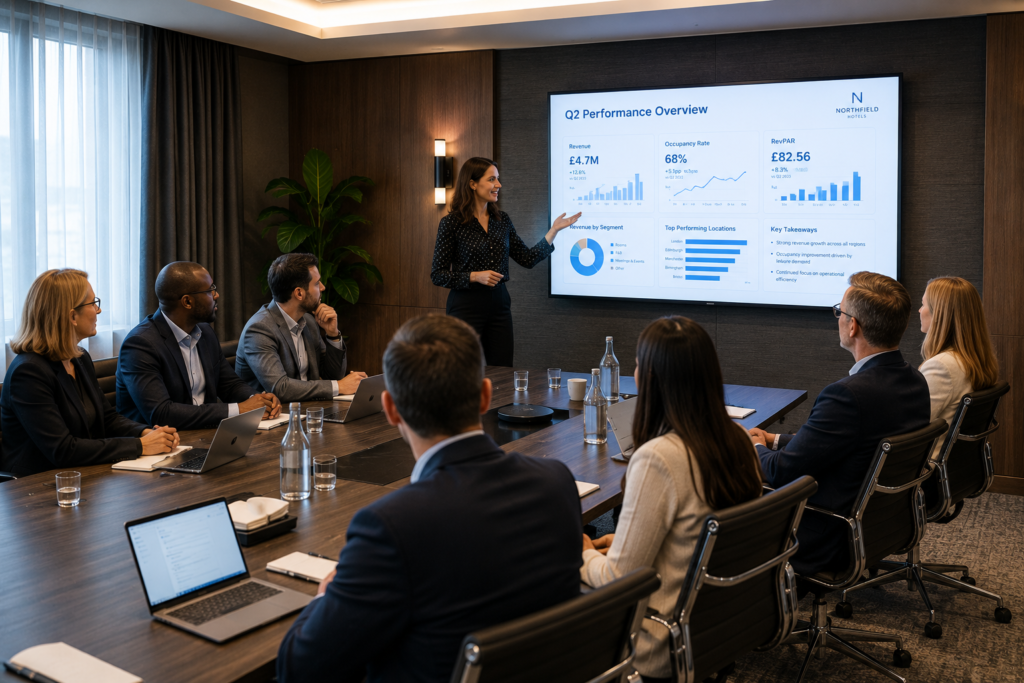
Professional AV, conferencing and room-control solutions that make every meeting simple, clear and productive.
From wireless presentation and video conferencing to lighting control, room booking and support, Connected Hospitality designs meeting spaces that feel effortless for guests, staff and presenters.
Meeting rooms are no longer just spaces with a screen on the wall. They are revenue-generating, brand-defining environments where guests, delegates, teams and partners come together to make decisions, present ideas, host hybrid meetings and deliver events.
For hotels, aparthotels, co-working spaces and modern shared environments, the quality of the AV experience directly affects how professional the venue feels. When technology works, nobody talks about it. When it fails, everyone remembers it.
Connected Hospitality designs and deploys meeting room solutions that remove friction from the user experience. We bring together display technology, audio, cameras, wireless sharing, conferencing platforms, room control, lighting and support into one simple, reliable environment.
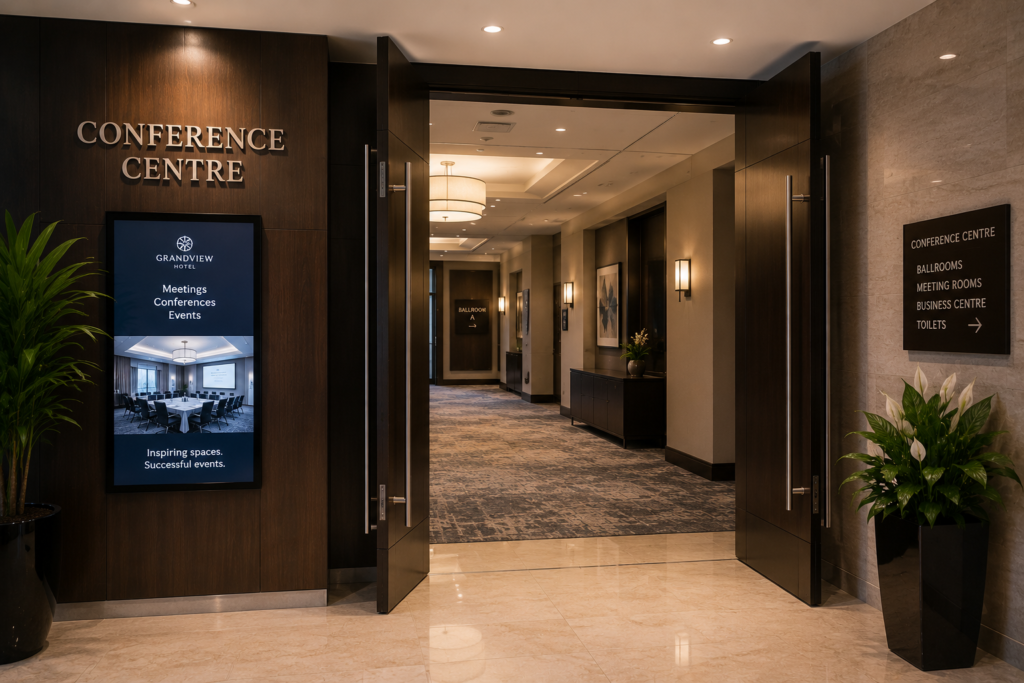
The Commercial Story
The best meeting spaces do three things: they help people collaborate, they make the venue look professional, and they protect revenue by reducing failed meetings, complaints and staff intervention.
- For hotels, strong AV helps sell conference, meeting and event space.
- For aparthotels and co-working operators, it improves the value of shared workspaces and communal facilities.
- For corporate and mixed-use buildings, it supports hybrid working and reduces wasted time.
- For staff, simple control and remote management reduce the number of support calls before, during and after meetings.
Core Solution Areas
Video Conferencing & Hybrid Meeting Rooms
Hybrid meetings are now standard. Rooms must support both people in the space and people joining remotely, without forcing users through complicated setup steps.
Microsoft Teams Rooms, Zoom Rooms and platform-flexible conferencing environments.
Camera systems suitable for huddle rooms, boardrooms, training rooms and event spaces.
AI-assisted framing, speaker tracking and wide-angle room coverage where appropriate.
Room systems designed so external guests can join meetings without technical friction.
Partner alignment:
Crestron Flex provides a consistent room experience with native Microsoft Teams and Zoom options, intelligent video and audio, and integrated room control.
Logitech room solutions provide cameras, controllers, scheduling panels, whiteboard cameras and room appliances for Teams, Zoom and Google Meet environments.
Grandstream offers cost-effective audio and video conferencing hardware that can suit smaller rooms, budget-conscious deployments and broader IP communications strategies.
Wireless Presentation & BYOD Collaboration
The fastest way to damage confidence in a meeting room is to make people hunt for adapters, cables or passwords. Modern rooms should support simple, secure content sharing from laptops, tablets and phones.
Wireless presentation for laptops and mobile devices.
Bring Your Own Device (BYOD) workflows for visiting guests and external presenters.
Support for flexible sharing methods such as app-based sharing, buttons and screen mirroring.
Reduced cable clutter and cleaner room presentation.
Partner alignment:
Barco ClickShare is particularly strong for one-click wireless presentation and conferencing, BYOD workflows, platform flexibility, security configuration, analytics and centralised management.
Audio That Makes Remote Attendees Feel Included
In hybrid rooms, audio quality is often more important than video quality. If people cannot hear clearly, the meeting fails regardless of how good the display looks.
Ceiling, table or bar-based microphone strategies depending on room type.
Speaker systems designed for speech clarity rather than just volume.
Acoustic considerations including echo, reverberation and hard reflective surfaces.
Noise reduction, echo cancellation and beamforming where appropriate.
Connected Hospitality designs around the room. A glass-walled boardroom, a training suite and a compact huddle room need different audio approaches.
The goal is simple: everyone in the room and everyone remote can hear and contribute clearly.
Displays, Projection & Visual Experience
The right display solution depends on the size, brightness, seating layout and purpose of the room. We help clients select the correct approach rather than defaulting to a generic screen.
Commercial displays for boardrooms, meeting rooms and collaboration spaces.
Projection systems for larger rooms and event spaces where appropriate.
Dual-screen layouts for content plus remote participants.
Interactive displays and whiteboarding for workshops, training and collaboration.
Room Control, Lighting & Ambience
A premium meeting space should not require five remotes and a laminated instruction sheet. Control should be simple, consistent and intuitive.
Touch panels for one-touch meeting start, source selection and room control.
Lighting scenes for presentation, video call, workshop and event modes.
Shade and blind control to manage glare, privacy and camera performance.
Integrated room control for screens, audio, cameras, lighting and environmental settings.
Partner alignment:
Crestron provides room control, conferencing and scheduling platforms.
Lutron strengthens the environment around the meeting by controlling lighting and window treatments, helping create the right ambience while improving comfort and reducing manual intervention.
Room Booking, Scheduling & Utilisation
Meeting room technology should also help operators understand how spaces are being used. Scheduling panels, occupancy sensors and room availability indicators reduce friction and improve room utilisation.
Room booking panels outside meeting spaces.
Availability indicators and wayfinding support.
Calendar integration and check-in workflows.
Utilisation data to help operators understand demand and plan future investment.
How Connected Hospitality Delivers
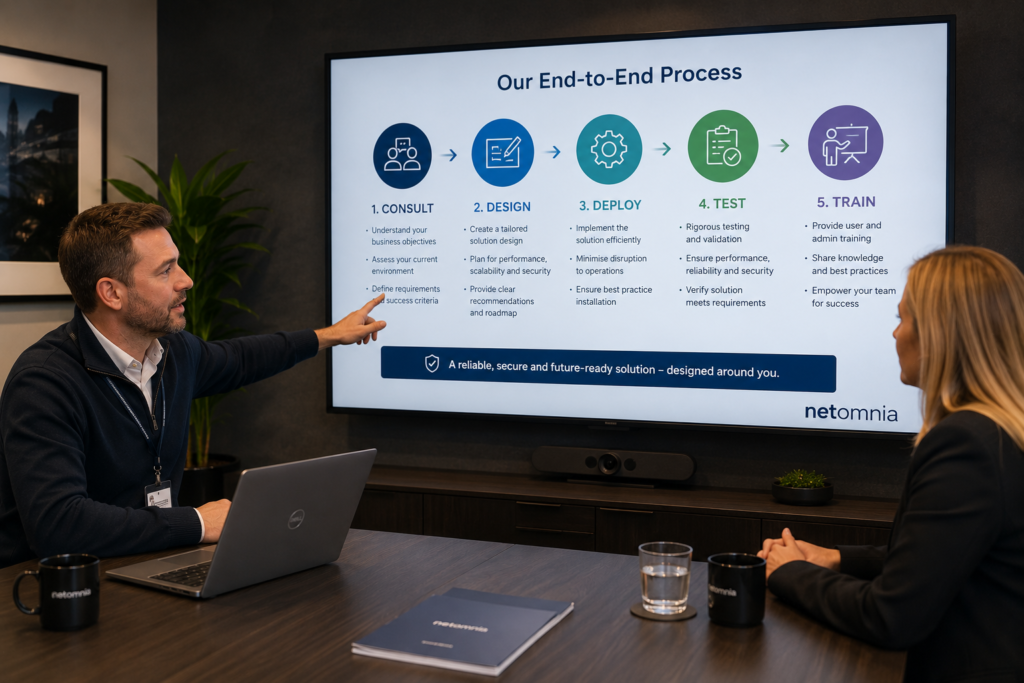
Consult
We start by understanding the room: its size, seating layout, lighting, acoustic conditions, user profile, booking model and commercial purpose. A hotel conference suite, executive boardroom and co-working huddle room all require different design decisions
Design
We produce a practical room design that brings together display, audio, camera, control, connectivity and user experience. The focus is not simply on equipment; it is on making the room easy to use and reliable every day
Deploy
Our engineers install, configure and test each element of the system. Where AV touches networking, WiFi, cabling, power or support systems, we ensure those dependencies are properly considered.
Test
We validate the room from the user perspective: can someone join a call, share content, be heard clearly, see the right source and leave the room ready for the next meeting?
Train
We provide simple handover guidance so staff understand how to operate the room, support guests and avoid unnecessary delays.
What Should a Meeting Room Offer
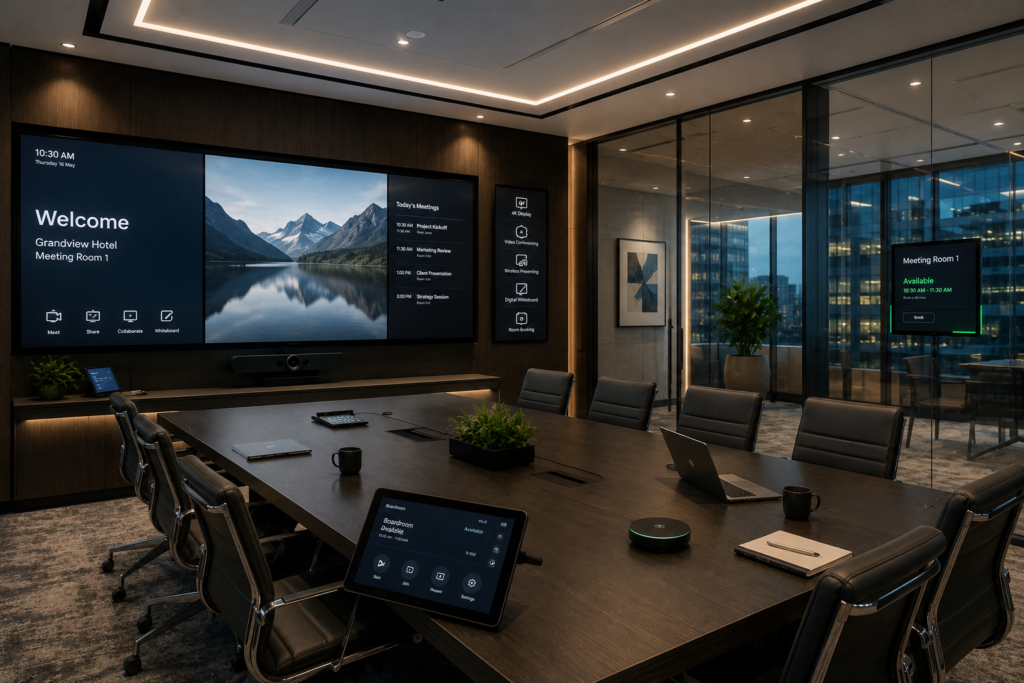
Hybrid Meeting Ready
Hybrid meetings are now part of everyday business. We design rooms that support the platforms your users already rely on, including Microsoft Teams, Zoom, Google Meet and platform-flexible BYOD workflows. Whether you need a small huddle room, a boardroom, a conference suite or a training space, we select the right camera, microphone, speaker, display and control approach for the room.
Wireless Presentation & Guest Collaboration
External guests and presenters should be able to walk in and share content without hunting for adapters or disrupting the meeting. We deploy secure wireless presentation and collaboration systems that allow users to share from laptops, tablets and mobile devices quickly and confidently.
Audio That Makes Meetings Work
Poor audio is one of the biggest causes of failed meetings. We design microphone and speaker systems around the room layout, seating position, surface materials and expected use, ensuring speech is clear and remote attendees remain included.
Lighting, Shades & Room Ambience
The room environment matters. Lighting, glare and ambience affect presentations, video calls and the overall impression of the space. We can integrate lighting scenes, shade control and room control so the environment adapts to the meeting: presentation, video call, workshop or event mode.
Room Booking & Centralised Control
For venues with multiple meeting rooms, room scheduling and utilisation insight are essential. We can deploy booking panels, availability indicators, calendar integrations and centralised management tools to make rooms easier to find, reserve, manage and support.
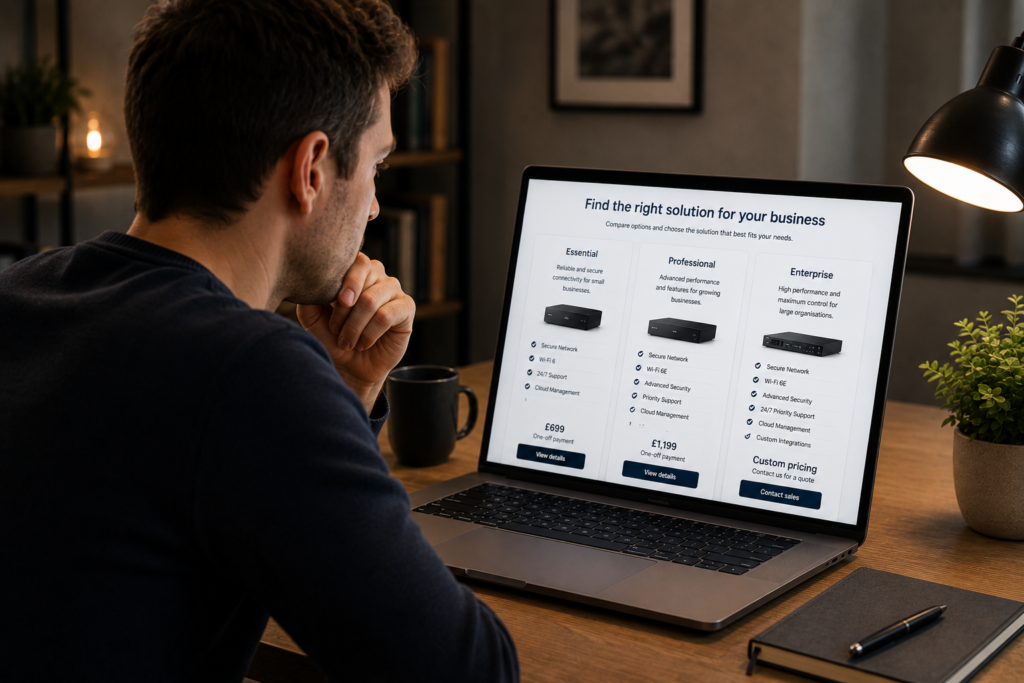
Buyer Guidance: What to Consider Before Upgrading
- How many people use the room, and how often?
- Will meetings be internal, external, hybrid or guest-led?
- Which platforms must be supported: Teams, Zoom, Google Meet or BYOD?
- Is wireless sharing required for guests and external presenters?
- Do remote participants need to see the whole room, the speaker, the content, or all three?
- Are there acoustic challenges such as glass, hard floors or open ceilings?
- Does the room need lighting scenes, shade control or environmental control?
- Do staff need remote monitoring, usage reporting or room booking visibility?
- Is the room revenue-generating and therefore more sensitive to downtime?
- FAQ's
Frequently Asked Questions
Can you support Microsoft Teams and Zoom?
Yes. We can design rooms around native Teams Rooms or Zoom Rooms, or create BYOD-friendly rooms that allow users to bring their own laptop and preferred meeting platform.
Can guests present without cables?
Yes. Wireless presentation and BYOD collaboration can be built into the room so guests can share content quickly from laptops, tablets or phones.
Can you upgrade an existing meeting room?
Yes. We can assess the current room, retain useful equipment where appropriate and upgrade the parts that are causing friction or limiting performance.
Do we need one standard room design?
Not always. Standardisation is useful, but room size, use case and commercial value should guide the final design. We can create standard room types that still fit the space